All Courses
Upgrade your skills with industry-standard training
Adobe InDesign courses

InDesign Essentials
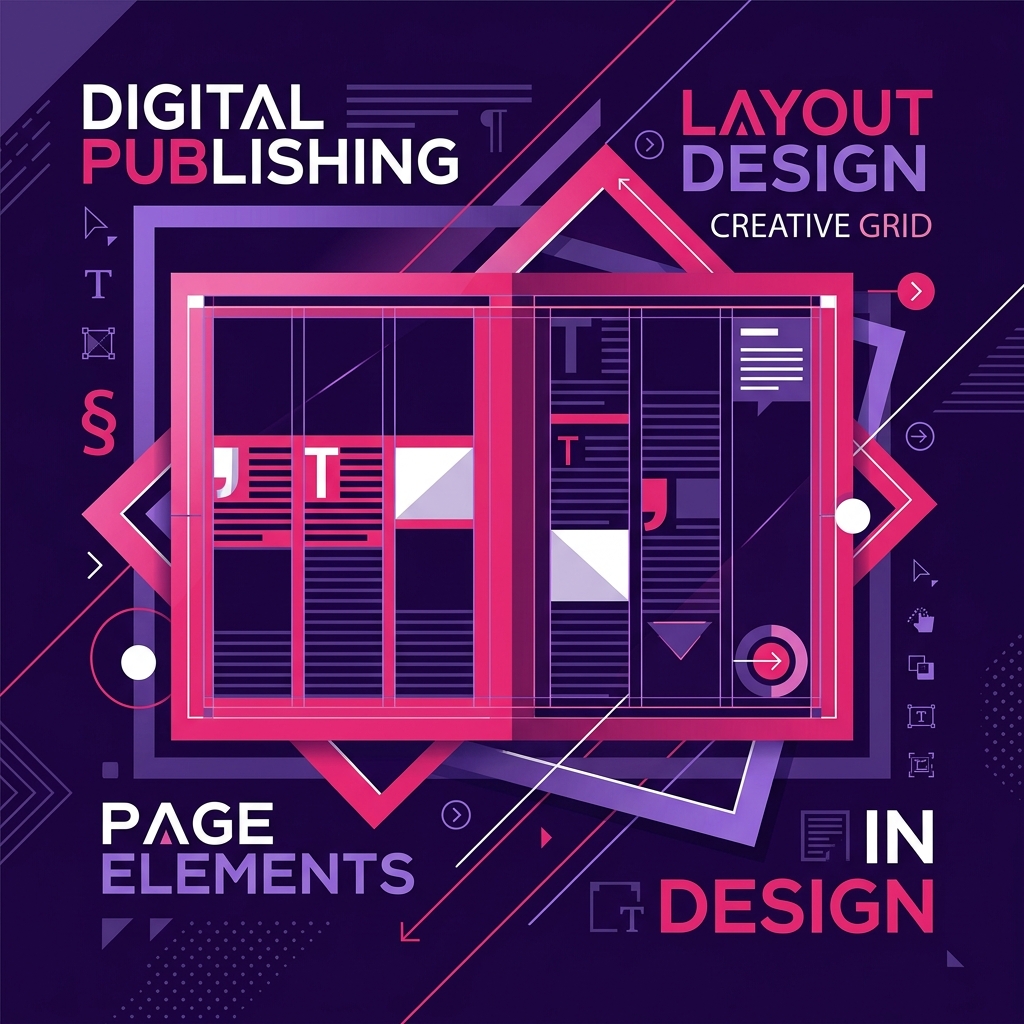
Adobe InDesign enables you to create a diverse range of print design and marketing materials with the only limitations being your knowledge! To fast-track and reinforce your InDesign training, we have developed our own courseware (step-by-step workbooks) that you can take with you after the course. We demonstrate best workflows and include graphic design related topics such as colour, image resolution, design layout, typography basics, printing and PDF concepts, so you will be able to produce professional projects straight away.
InDesign Advanced
The powerful and abundant features of Adobe InDesign are often underutilised or even overlooked! Learning features such as Quick Apply for super fast formatting will save users at least 30 minutes a day, a potential annual time saving of 90+ hours! Similarly, understanding the power of GREP could help turn days of mundane and frustrating editing work into a 10 minute operation!Especially with the latest InDesign versions, you can more efficiently design and edit documents for print or screen faster than ever. Use the new Adaptive Design tools to easily repurpose layouts and other recent InDesign productivity improvements such as directly importing PDF comments, Creative Cloud Libraries, Content Collector tools, Adobe Fonts, the Colour Theme tool and more. There is an emphasis on working with long documents to include time-saving techniques, along with advanced styling and page layout options.
InDesign Lite
Need to learn the foundations of Adobe InDesign but don't need to learn the whole program? This course (either online or face-to-face) is ideal for those who will be creating and editing smaller documents only (one or two pages). Learn best practices for setting up your documents, working with images, formatting text and preparing your files for print or exporting to PDF. Exercises include creating stationery, flyers and ads. If you need to produce multi-page documents such as newsletters, catalogues, magazine layouts, brochures, fact sheets etc, then the two day InDesign Essentials course, which is more in-depth, covers those features necessary to accomplish those processes. Our instructors are Expert Adobe, industry experienced and passionate about training! Our training highlights the features and updates in the latest version of the software - InDesign Creative Cloud (Creative Cloud).
InDesign Accessibility
This half-day course (online or face-to-face) focuses on using InDesign to create highly accessible PDFs. Such documents can be read by assistive technologies that aid people with disabilities including poor vision and limited mobility. Creating accessible PDFs to WCAG 2.0 (Web Content Accessibility Guidelines) gives everyone, regardless of their abilities, access to the content in your documents. Australian government compliance now requires that all government website content, including PDFs, be accessible. It is essential that students have at least 1 to 2 years experience with InDesign or have completed the 2 day Adobe InDesign Essentials course. Our instructors are Expert Adobe, industry experienced and passionate about training! Our training highlights the features and updates in the latest version of the software - InDesign Creative Cloud (Creative Cloud).
InDesign Interactivity & Animation
Learn how to prepare your InDesign documents to include rich media elements, such as sound, video content and animated graphics. Also learn to add interactive components such as hyperlinks, user-triggered buttons and movie panels to create animations and interactive presentations. Attend this course online or face-to-face. It is essential that students have at least 1 to 2 years experience with InDesign or have completed the 2 day Adobe InDesign Essentials course. Our instructors are Expert Adobe, industry experienced and passionate about training! Our training highlights the features and updates in the latest version of the software - InDesign Creative Cloud (Creative Cloud).
Adobe Illustrator courses

Illustrator Essentials
Adobe Illustrator enables you to create professional vector graphics for posters, flyers, logos, infographics and even fashion design. Using the latest version, Illustrator Creative Cloud 2026, you will learn how to draw, combine and edit shapes to create patterns, gradients and vibrant effects such as glows and drop shadows. Illustrator is also a powerful typographic tool so you’ll learn how to enter, import and (most importantly) style your text to make your message stand out. To fast-track and reinforce your training, we have developed our own courseware (step-by-step workbooks) that you can take with you after the course.
Illustrator Advanced
Explore pro techniques behind creating infographics, tracing artwork, applying dynamic effects, working with 3D, perspective grids and other great Adobe Illustrator features. Learn from our industry experienced instructors, who share expert-level insights on the newest and most robust Illustrator techniques to help you achieve mastery of this industry standard application. Topics include recolouring artwork, transparency, masks, blend modes and techniques for smoothly integrating workflows with other Adobe programs, and all are covered in detail. Plus, there are plenty of tips and techniques for creating designs using the vast array of powerful drawing tools available in Illustrator, so you can start creating professional level vector art. Our advanced Illustrator course highlights the latest Illustrator Creative Cloud updates, which is packed with powerful new features, from the latest Brush tool enhancements to new ways to package your artwork, as well as new distribution channels.
Adobe Photoshop courses

Photoshop Lite
Need to learn the foundations of Adobe Photoshop but don't need to learn the whole program? This course is ideal for those who will be using Photoshop to prepare images to a minimum requirement i.e. resize images, crop images, change the brightness and contrast and to prepare images for either print purposes or for your websites. We teach you the newest techniques (like the new Select and Mask Workspace) which helps make more efficient and accurate selections – saving time and frustration. If you decide later to build on your Photoshop knowledge or need more comprehensive training, you can then attend the 2 day Photoshop Essentials course. Our instructors are Expert Adobe, industry experienced and passionate about training! Our training highlights the features and updates in the latest version of the software - Photoshop Creative Cloud.
Photoshop Essentials
Learn how to create, edit and apply special effects to images and text for print, websites or social media with Australia's #1 Adobe Training Expert. To fast-track and reinforce your Photoshop training, we have developed our own customised courseware (step-by-step workbooks), as well as the opportunity to resit your class for free. This course introduces you to the latest techniques and Photoshop tools used in the current version Creative Cloud 2026 for photo-retouching, tonal correction, deep etching, image editing, colour painting and montaging.
Photoshop Advanced
Take your Photoshop skills to the next level with our Photoshop Advanced course! Improve your workflows to streamline and increase your productivity using shortcuts and automation techniques that many self-taught users are not even cognisant. Learn best practice processes and how to combine functions to create, edit and apply special effects for professional images and documents. Our advanced Photoshop course includes the latest Photoshop Creative Cloud updates, and its powerful new features like linked Smart Objects, Camera Raw as a Smart Filter and enhancements to the Blur Gallery and Smart Sharpen etc.
Training package
Desktop Publishing Package
InDesign + Photoshop + Illustrator
Supercharge your career and master the complete Adobe creative ecosystem.
Adobe Acrobat courses


Acrobat Essentials
Adobe Acrobat is a powerhouse of an application, but few utilise all of it's features. Besides the editing of pages, you can also easily add interactive elements to documents, such as a table of contents that allows users to click through instantly to a selected page, and embed multimedia elements such as a video clip to improve your presentation. How many times have you received an important PDF from a colleague, only to find spelling errors? Well, now you can add, edit, replace and precisely position text and images all from within Acrobat, no other files necessary!Or alternatively, perform Acrobat functions without having to open the program at all – create PDFs from within Word, Excel and Outlook using Acrobat’s clever in-built toolbar, and discover the compatibility between Acrobat and Microsoft Office. With so much editing functionality now available from within Acrobat, users may also benefit from exploring its equally robust security tools to make sure nothing is viewed or altered without your permission. And if you need a second opinion, you can use Acrobat’s Shared Review tool to upload your PDF to a server where it can be accessed by a list of selected recipients who can add and view Annotations and Mark-Ups to it in real time.
Acrobat Forms
Learn how to build forms and gather data by creating electronic fillable PDF forms using Acrobat. This will help to make completing forms and collecting form data easier for everyone involved. During this course we will cover the basic principles of form design as well as the available features within Acrobat. We will start with a blank form and add form fields, field properties, apply form security and shortcuts when adding form fields.
Adobe Captivate courses


Captivate Essentials
Fast-track your expertise and productivity with our 2 day Captivate Essentials course (either online or face-to-face). Learn best practices and efficient workflows to create and publish demonstrations, training simulations and scenario-based training that incorporate a rich variety of multimedia content. Our Captivate instructors are industry experienced and consult on Captivate projects when not training, so you’re guaranteed real world tips and advice on all things relating to eLearning. Adobe Captivate features include: Access to 25,000+ eLearning assets providing you with loads of images, audio, slide designs and learning interactions ready to use, Advanced tools for recording software demonstrations and interactive simulations, The ability to record, import and edit audio, Ready to go question slides so you can create interactive quizzes quickly and streamlined tools to really speed-up your eLearning development time. upon course completion.
Captivate Advanced
City Desktop's Advanced Captivate course follows on from the 2 day Essentials Captivate course. It empowers current Captivate users to improve their production skills by incorporating higher-end features such as project templates, responsive layouts, custom styles, system variables, advanced actions, branching and uploading projects to a Learning Management System. Adobe Captivate's advanced features include: Enhanced object effects and multistate objects, SCORM and XAPI compliance ensures Captivate projects can be uploaded and scored correctly by your LMS, Improved responsive design options helps you to create elearning content which can be viewed seemlessly across devices, Advanced quizzing and question pools allows for enhanced assessments and interactivity. upon course completion.
Adobe Premiere Pro courses

Premiere Pro Basics
The 1 day Premiere Pro Basics course is designed for beginners who need to fast-track their learning to start using Adobe Premiere Pro immediately and proficiently. Aimed for people who require Premiere Pro for minimal purposes such as producing and editing video for social media channels and / or websites. This course will teach you basic video editing techniques and how to include some simple effects and transitions. Learn to add titles, images, logos etc and best practice techniques for cutaways especially in the context of editing interviews. The final process is learning how to export / publish your video to the right specifications for the various social media platforms and the varying devices such as mobile phones. If you require more comprehensive training on Premiere Pro that includes advanced editing technqiues, special effects, colour correction and more indepth training on audio, the 2 day Premiere Pro Essentials course is more suitable. Our instructors are Expert Adobe, industry experienced and passionate about training! Especially with Premiere Pro, we recommend using the latest version - Creative Cloud 2026 as the latest features utilise techniques and workflows not available in earlier versions.
Premiere Pro Essentials
Learn how to best utilise Premiere Pro for your video editing projects for social media, elearning materials, websites, product demonstrations, corporate videos or any other promotional purposes. This Adobe Authorised Premiere Pro course is designed to enable you to get your message across with maximum impact using the powerful and flexible video editing capabilities of Adobe Premiere Pro. Our instructors are Expert Adobe, industry experienced and passionate about training! Especially with Premiere Pro, we recommend using the latest version - Creative Cloud 2026 as the latest features utilise techniques and workflows not available in earlier versions.
Premiere Pro Advanced
Take your skills to the next level in this two day Advanced Premiere Pro Course. Topics include advanced editing techniques, replacement of clips, nesting, linking, captions, markers, new advanced features and more. Advanced colour correction and audio techniques are covered in detail, along with dynamic linking to programs like After Effects and Audition to achieve high-level industry outcomes. You will also learn best practices for optimising your workflows, file management and problem solving. This course will fully equip you to harness the advanced features of Premiere Pro, delivered by industry experts using real-world examples. Our instructors are Expert Adobe, industry experienced and passionate about training! Especially with Premiere Pro, we recommend using the latest version - Creative Cloud 2026, as the latest features utilise techniques and workflows not available in earlier versions.
Adobe After Effects courses

After Effects Essentials
After Effects enables you to create stunning and professional motion graphics and visual effects for a diverse range of outcomes such as infographics, animated logos, advertisements, kinetic typography (animated titles), social media, e-learning and broadcast content. Visual effects covers many disciplines including compositing, image correction, animated effects, and in our After Effects Essentials course, an introduction to 3D animation. This course is designed to empower those new to video and graphic animation techniques, or who are self-taught, to get the most from this immensely dynamic software. We fast-track your learning of the essential functionality of After Effects and include many practical exercises along with countless tips and techniques to help you become more productive. Our instructors are Expert Adobe, industry experienced and passionate about training! Especially with After Effects, we recommend using the latest version - Creative Cloud 2026 which utilises techniques and workflows not available in earlier versions.
After Effects Advanced
Our in-depth two day course explores existing and exciting new advanced features regularly being added to Adobe After Effects to utilise the whole application to deliver professional outcomes. Learn detailed real-life expert tips and tricks to create stunning advanced 3D extruded typography and shape layers using the Cinema 4D renderer, complex and compelling infographics, Cinemagraphs, character animations and more. Class projects will teach you how to harness the power and diversity of expressions, scripts, particle simulation Effects, Rotoscoping, advanced 3D camera and lighting setups and the Cinema 4D CINEWARE plugin workflow. Especially with After Effects, we recommend using the latest version - Creative Cloud 2026 to utilise the dynamic new features and workflows.
Cinema 4D Lite
Ever wished you could work with more realistic 3D for After Effects or find the After Effects 3D layers and workspace limiting? Due to popular demand, this one-day project-based intensive class takes you into the world of Cinema 4D Lite which comes bundled with all versions of After Effects Creative Cloud. One of C4D Lite's most exciting features is the MoGraph animation system which makes it easy to create complex animations with just a couple of keyframes. In this course you will learn about Cinema 4D Lite, which enables you to create or modify 3D objects and text and integrate them directly inside your After Effects projects using the CINEWARE pipeline. You will learn how to send information back and forth between After Effects and C4D Lite, how to create and modify objects, materials and textures, how to animate text, use lights and cameras, and integrate 3D objects into existing footage. Especially with After Effects, we recommend using the latest version - Creative Cloud (Creative Cloud). Not sure which version? See our article on Adobe Creative Cloud.
Training package
Video Editing Package
Premiere Pro + After Effects
Master the industry standard video production and motion graphics workflow.
Web Design & Web Development courses

WordPress courses

Adobe Animate courses

Animate Essentials
Create cutting-edge interactive animations that can be published to multiple platforms. Learn professional techniques in building animations and interactivity that will run smoothly and consistently on mobile devices, tablets, and computers.
Animate Advanced
Extend and fine tune your Adobe Animate projects with advanced animation techniques and some basic JavaScript commands.